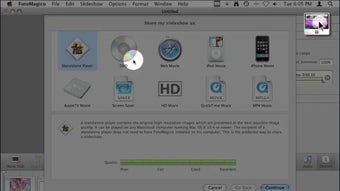
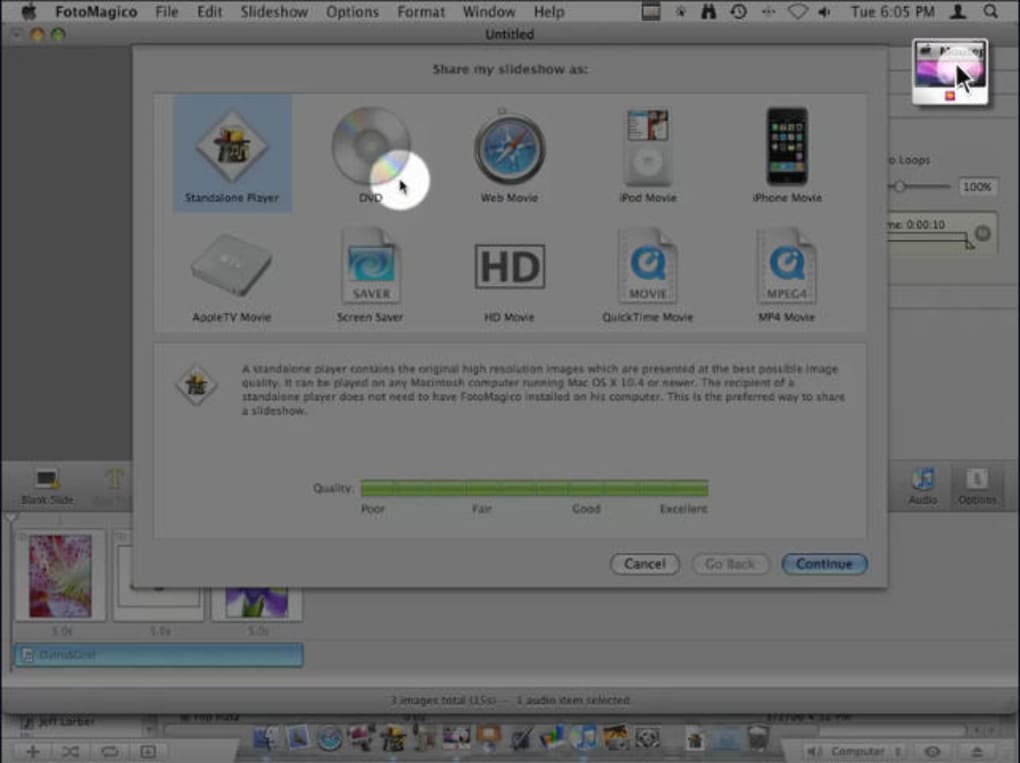
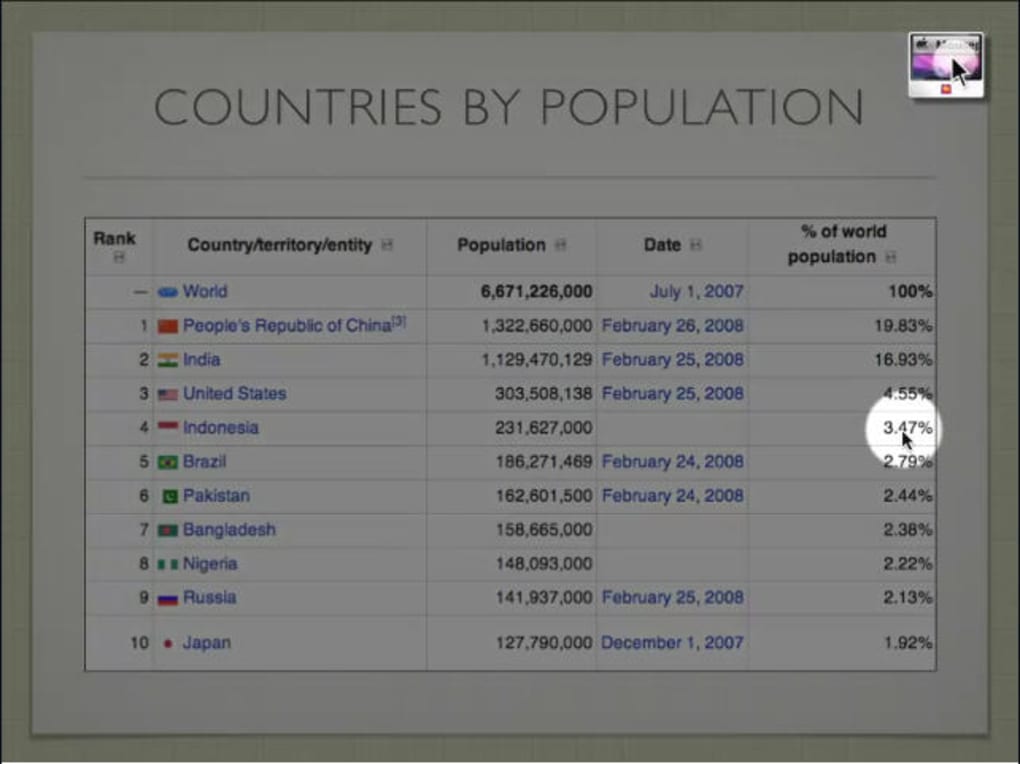

Set a spotlight on your presentations When you make a presentation you want people to focus on areas of the screen that you've chosen. With Mouseposé you can highlight your mouseclicks and movements and all your keystrokes. This elegant yet discreet application is a great complement to a live presentation on your Mac.
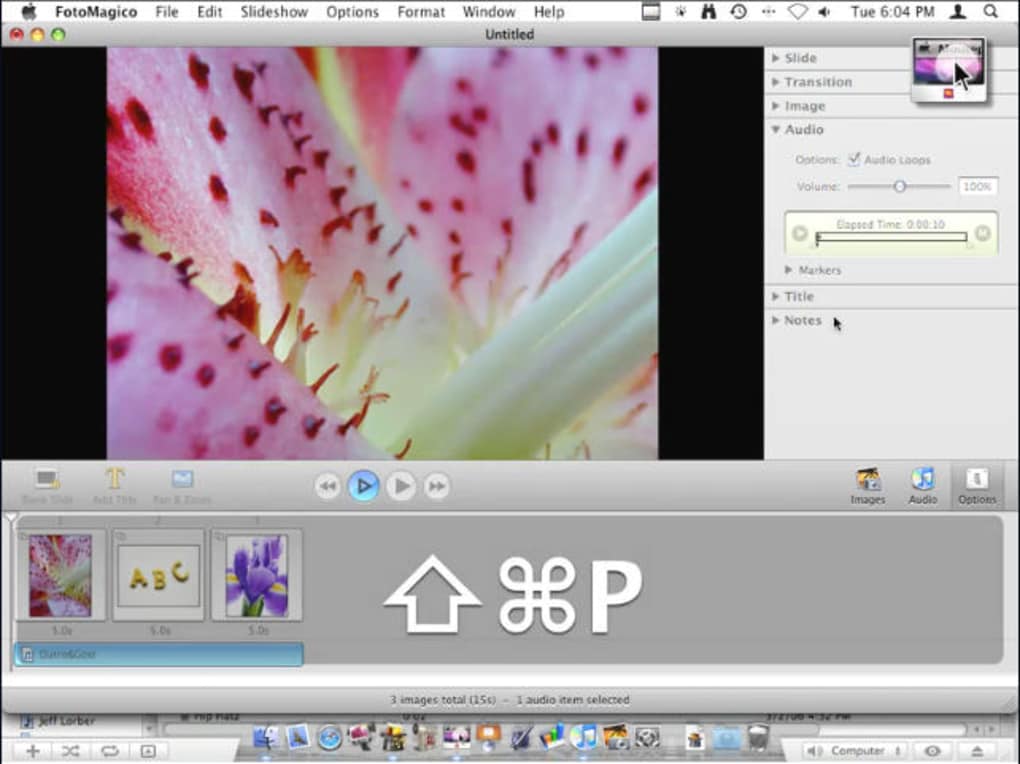
Once launched, it's easy to use it to highlight on your mouse, thanks to a small spot of light that will focus on it, or on your keystrokes, which appear in big characters at the bottom of your screen every time you type. Left and right mouse clicks will appear in different colors and you can also customize different sounds for different clicks. You may also like 2.4 Trial version Auto Clicker Free trial automatic clicking software 3.8 Free BetterTouchTool Customize your trackpad gestures 4 Free aTypeTrainer4Mac Simple multilingual typing tutor Mouseposé includes a talkthrough tutorial, perfect for new users, which demonstrates all the features of the program with a voiceover.
It only takes a few minutes and should give you a pretty good grasp of how it works and what it can do. You can use both speech recognition and AppleScript with Mouseposé, however not all users will feel comfortable working with the latter. All in all though, Mouseposé is an excellent program to highlight your mouse clicks, movements and keystrokes.
Perfect for presentations! Changes Mouse Click improvements Window Focus (Leopard only). Highlight a window instead of the area around the mouse pointer when the mouse is not moved for some time.
Keystroke display improvements. Various changes to better support demonstration situations. Major visual overhaul.
More advanced settings. AppleScript improvements. New commands to click the mouse!







